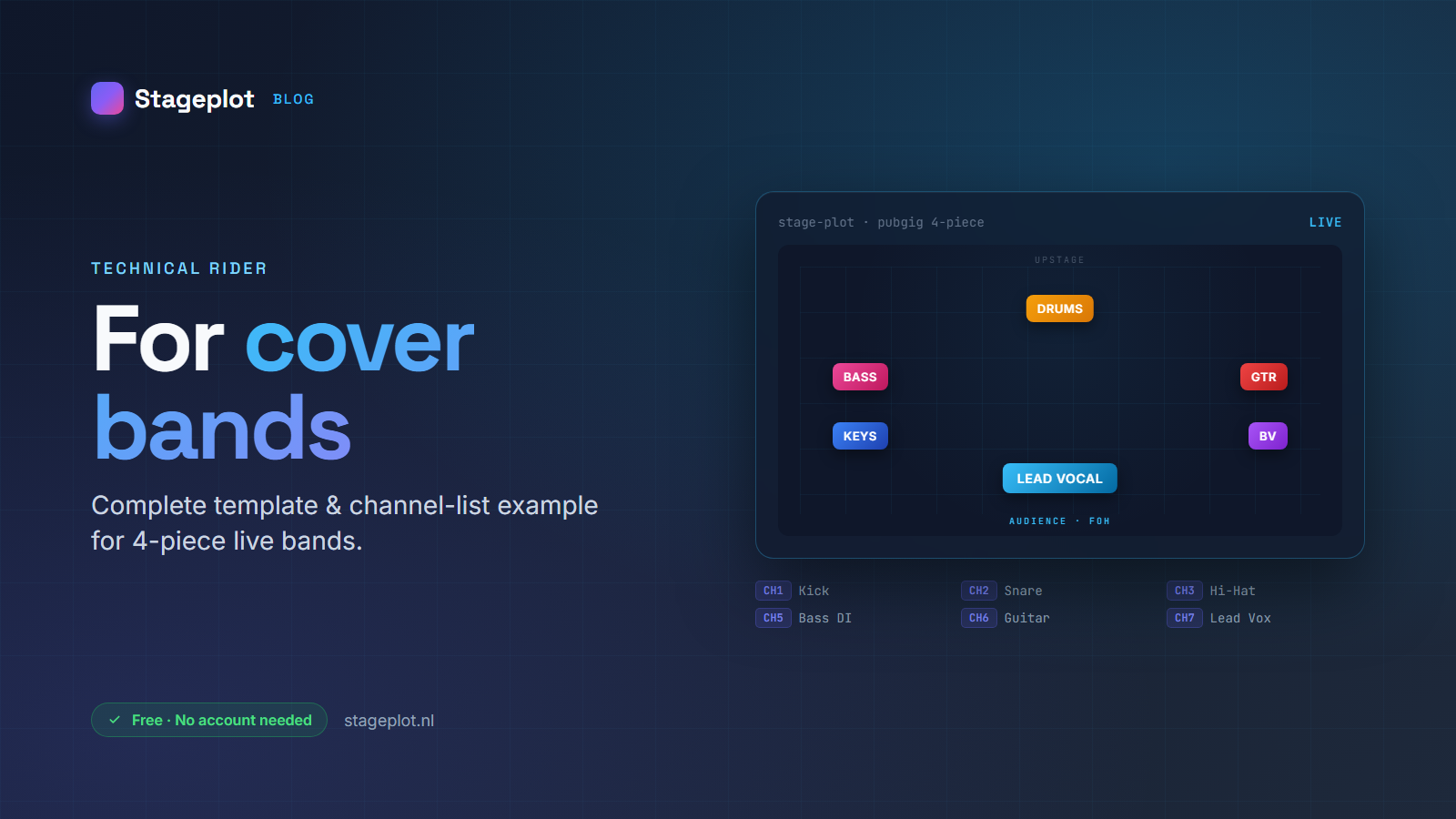
As a cover band you typically play venues where the stage and PA differ per gig: pub, club, festival side-stage, corporate event. What all those places have in common: the venue tech wants to know in advance what's needed. A good technical rider prevents 80% of soundcheck discussions.
What absolutely belongs on it?
A complete cover-band rider has six parts:
- Stage plot — visual diagram with positions of vocals, drums, bass, guitar, keys.
- Channel list — which inputs get which channel, with mic preference and phantom power.
- Monitor mixes — who hears what in which wedge/IEM.
- Backline requirements — what you bring yourselves, what the venue must provide.
- Hospitality — dressing room, catering, parking.
- Contact details — booker, FOH tech, monitor engineer (if separate).
Example: 4-piece cover band
For a typical lineup — vocals, drums, bass, guitar — you'll need around 10-12 channels:
- CH 1-2: Kick + Snare (Shure Beta 52A + SM57)
- CH 3-4: Hi-hat + Overheads (condenser)
- CH 5: Bass DI
- CH 6: Guitar (SM57 on cabinet)
- CH 7-8: Lead + Backing vocal (SM58 or Beta 58)
- CH 9-10: Talkback + click (optional)
What many cover bands forget
Top 3 mistakes we see:
- No version number. Venues sometimes get 3 versions of the same rider via email. A
v1.4in the header saves misunderstandings. - No monitor mix assignment. "Vocal in monitor 1" isn't a mix — write down what's IN it (own voice + kick).
- No contact for changes. If the venue notices a tom is missing, they need someone to call.
Faster with Stageplot
With Stageplot you pick a lineup template (rock band, acoustic, DJ set, choir, etc.) and customize the rider in 5-10 minutes for your band. The channel list is generated automatically from the instruments you place on stage. Export as PDF for formal mail, or send a share link with QR code that the venue tech can open on their phone.
And best of all: 100% free, no account needed to start.